 splines
scripts / norns
nornsfetch
neofetch style system info for norns
install
In maiden's REPL (the >> prompt at the bottom of the editor), run:
;install https://github.com/tapecanvas/nornsfetchOr add the splines catalog to maiden and install it from the project manager. Restart norns if the script ships a new engine.
readme from tapecanvas/nornsfetch
nornsfetch
neofetch style system info for norns w/ cute ascii norns
screenshots
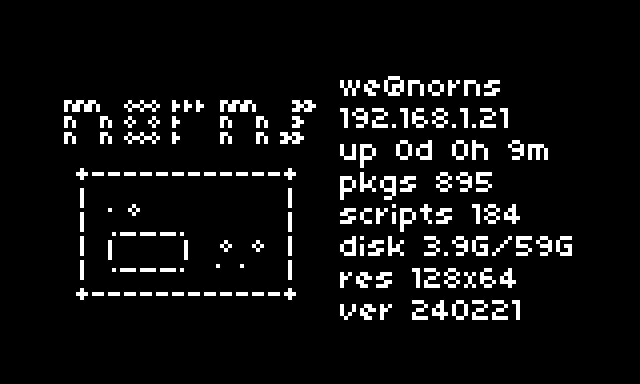
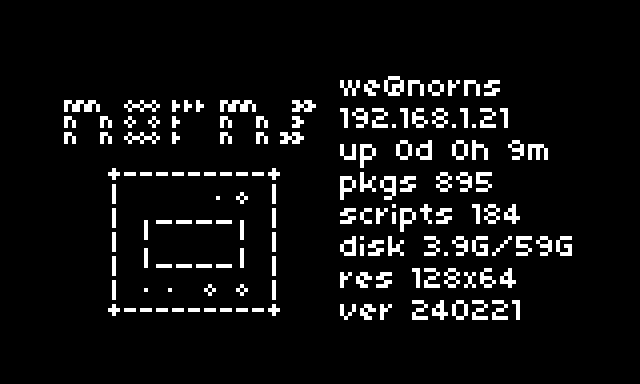
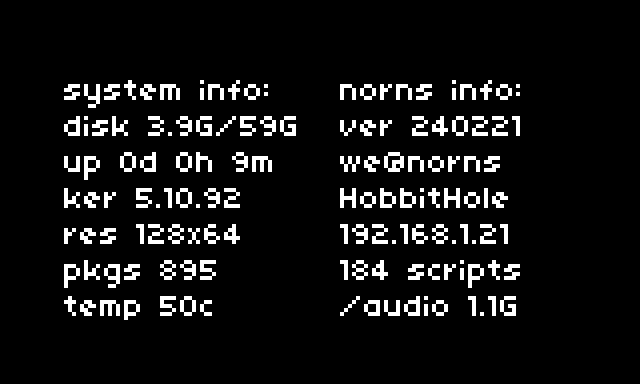
norns ascii, shield ascii, and more info screenshots
features
- e2 switches between norns or shield ascii art, or a no ascii version that displays more information
- user and hostname
- ip address
- uptime
- number of linux packages
- number of scripts installed
- disk space used/total
- screen resolution
- norns release version
- cute ascii norns (:
- more info display adds kernel version, temperature, ssid, and /audio directory size
install
through the maiden script library or by entering ;install https://github.com/tapecanvas/nornsfetch in the maiden console