 splines
← all scripts / norns
connecto new
Connect an USB audio device in norns.
install
In maiden's REPL (the >> prompt at the bottom of the editor), run:
;install https://github.com/totoetlititi/connectoOr add the splines catalog to maiden and install it from the project manager. Restart norns if the script ships a new engine.
readme from totoetlititi/connecto
Connecto
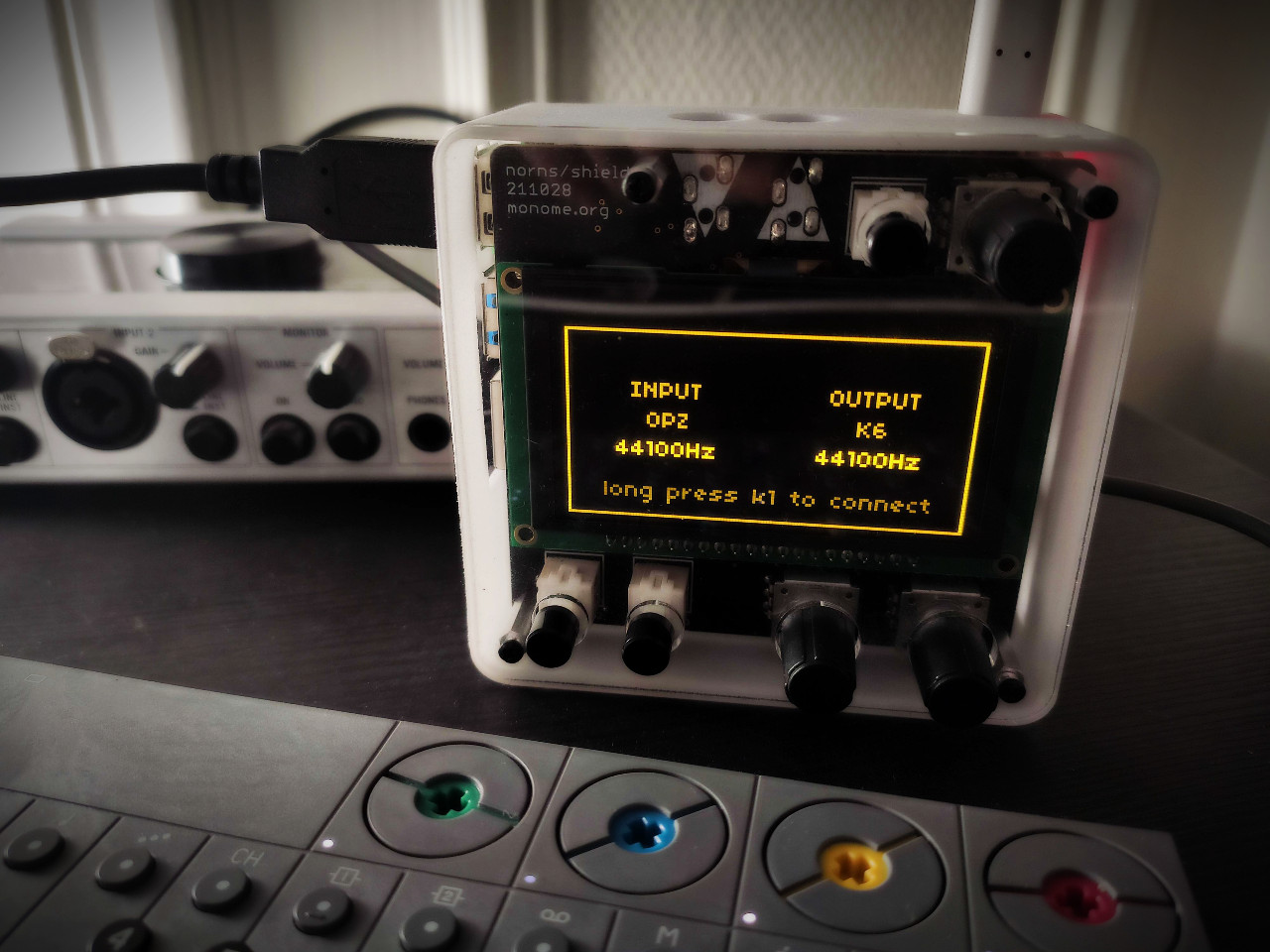
What is Connecto
Connecto is a script that allows Norns to connect its audio inputs and outputs to USB audio devices.
How to use
Connect USB audio devices before starting Connecto At startup, Connecto automatically recalls previous connections if the same audio devices are connected.
- K1/E3: to select whether the modification affects the device or the sampling rate.
- K2: to change device / sampling rate for INPUT
- K3: to change device / sampling rate for OUTPUT
- E1: long pressing: to make the connection
- E2: to run audio test
Requirements
- norns
- USB class-compliant audio devices / OPZ / etc...
Limitations
Connecto only works with one device for Norns audio inputs and one device for Norns audio outputs. It provides access only to the first two audio channels of the connected USB devices.
Installation
in maiden/repl:
;install https://github.com/totoetlititi/connecto
discussion
Like this script? React with 👍 or ❤️ below (needs a GitHub account). Reactions count as likes (♥) on splines, updated daily.